Good morning, and happy (almost) summer! If you’re looking for a more seasonally appropriate topic, I suggest you dive into one of my favorite 2025 posts: What Is There To Say Except: It’s June! Because today I want to talk about putting together visuals that will strengthen your next presentation.
We used to call this a “slideshow;” today’s term, slide deck, feels even less inspiring than the dreaded “Powerpoint.” As far as I know, the Mac software I use (Keynote) is not yet a synonym for yawning—but there’s still that danger if used incorrectly.
I usually begin by saving a previous presentation under a new name. That’s a nice reminder of what worked the last time, as well as a source of pre-built graphics. Though I try not to put too much time into fancy artwork, I do enjoy the process. I’ve also learned that I’m not good at improvisation, so preparation is the only path to a stress-free presentation.
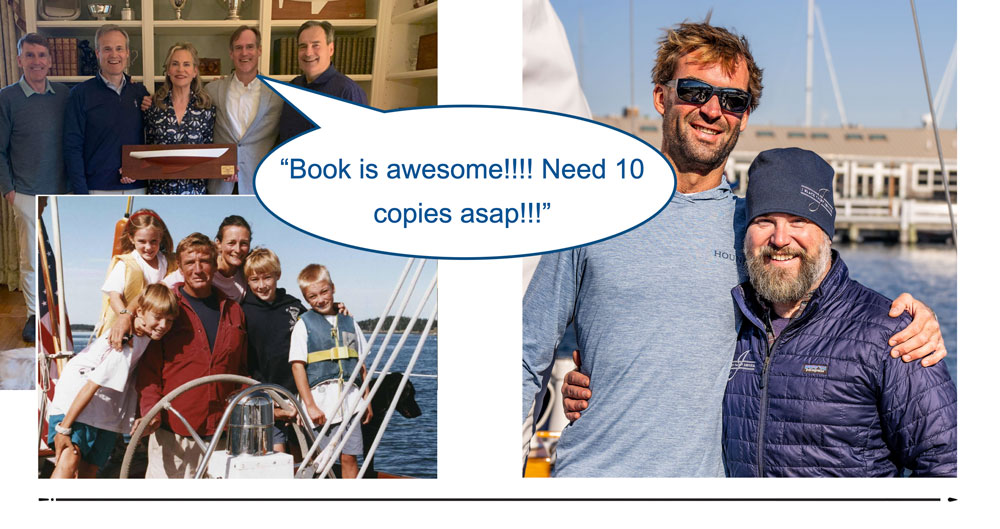
How to Build Strong Visuals
DO
- Figure out a title/theme
- Make an outline
- Consider From Page to Stage approach*
- Lay out appropriate photos to match words
- Tweak, revise, practice out loud (and repeat as many times as time permits)
DON’T
- Overdo the graphics
- Go heavy on text
- Include any photos that fail to move your story forward
- Use distracting transitions (or a mix of types)
- Linger on any visual too long
Take the Time
Like writing a book versus reading it, preparing a presentation takes much (much) longer than the actual talk itself. Fortunately, there’s only one part of the process that I really don’t enjoy: rehearsing what I’m going to say out loud. When I’m only talking to myself, everything I say sounds stupid and dull.
Once I’m standing in front of the audience, those agonizing run-throughs (and the tweaks they inevitably sparked) make all the difference. Taking the time to remove awkward transitions, to figure out where another photo might be needed, and to remove anything off-topic is the only way to turn a unique collection of visuals into an audience-worthy story.
Be Selective
Just like writing books, the final product shouldn’t include every single fact you picked up along the way—and weeding out those darlings requires both patience and attention to detail. The best compliment I received at my most recent talk was that “You told a story, and it wasn’t all about you.” Mission accomplished!
Relax and Enjoy
Carefully rehearsed visuals keep me on track. That reduces my public-speaking stress, as if I’m talking to a good friend rather than an intimidating audience. So if you’re looking for a well-prepared—and passionate—speaker, drop me an email. (If you’re looking for a post more appropriate to June’s temptations, here’s another from the archives: Farewell to June, My Favorite Month.) Thanks for reading, and see you next Thursday.
*From Page to Stage by Betsy Fassbinder teaches public speaking to (shy) writers. Her mapping approach has really helped me with the architecture of presentations, though I’ve found it works best as a guide rather than a strict outline. Disclosure: I am an affiliate of Bookshop.org and will earn a commission if you click through and make a purchase.